

There are two fears about putting prices on a website. If it's too high, people leave. If it's too low, competitors see it. Both can happen. But the alternative is that everyone guesses, the people who can't afford you take up your calls, and the ones who could afford you go with whoever answered the question.
I publish mine
A website from me is $5,000, and you can see it without talking to me. It's spread over four payments, or less if you pay in full. Before you reach the number, the page shows everything that's included.
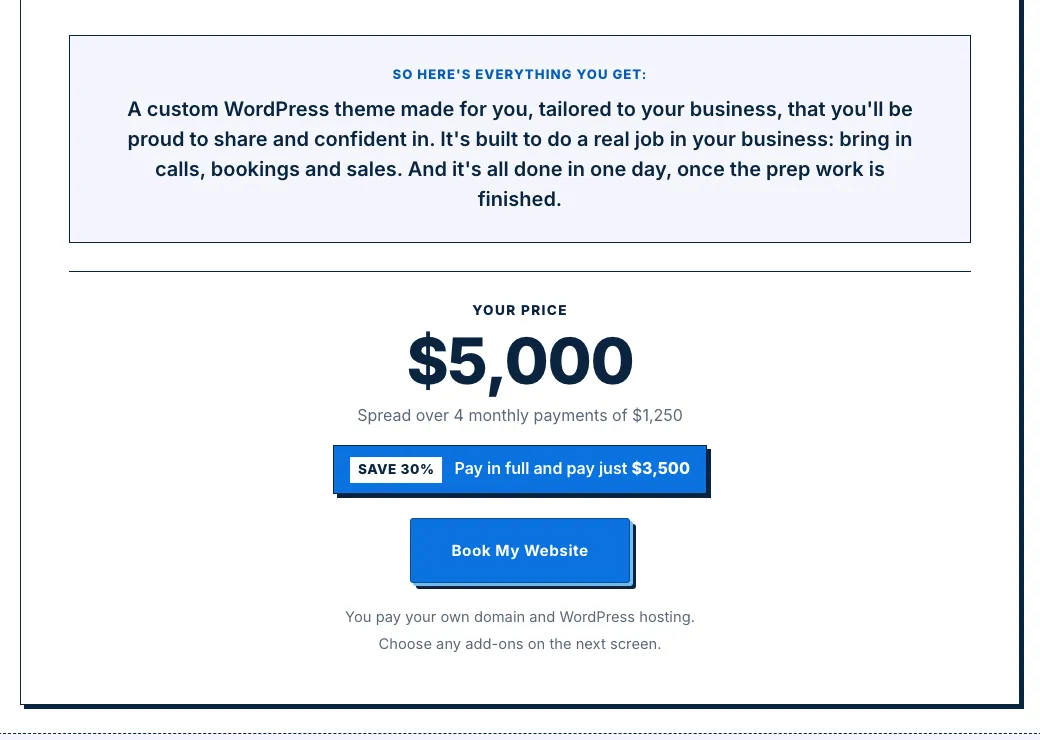
By the time someone gets in touch, the money conversation is mostly over. We get to talk about their business instead.
Three honest ways to do it
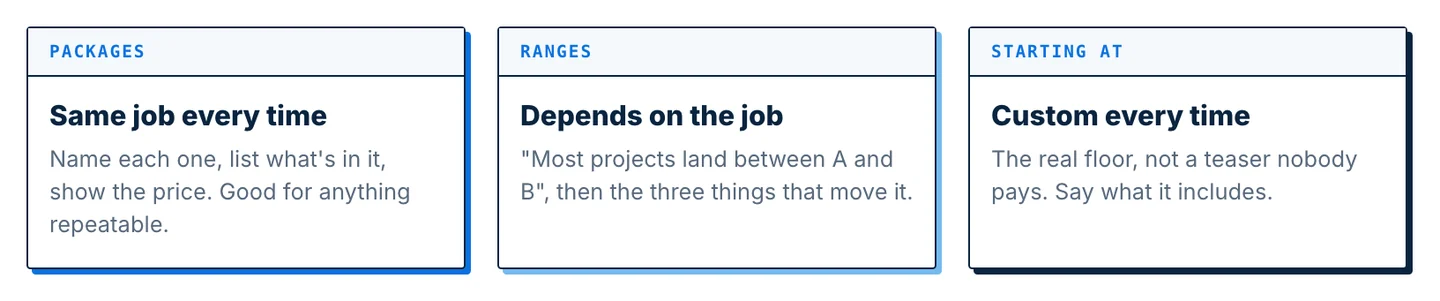
Packages
Best when the work repeats. Two or three is plenty. Make the middle one the one most people should buy, and make the difference between them obvious at a glance.
Ranges
Best when every job is different but not that different. Give the range most jobs land in, then the two or three things that push it up or down. People will place themselves.
Starting at
Best for truly custom work. The number has to be real. If nobody has ever paid your "starting at" price, it's bait, and people can tell.
What goes in a package
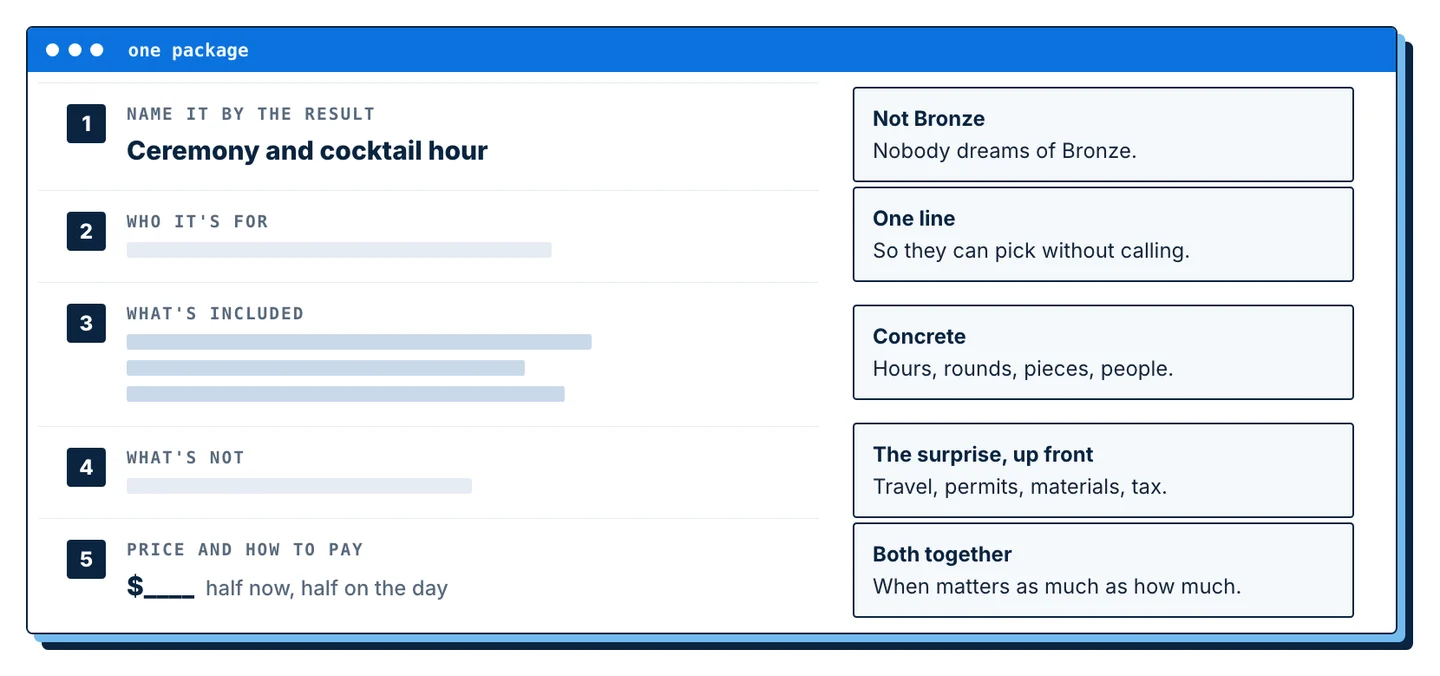
Don't skip "what's not included". Travel, permits, materials, tax, rush fees. Saying it up front feels like a risk and reads as honesty. Nothing sours a job faster than a surprise on the invoice.
When to leave the number off
It's fair to leave it off when the price depends on something you can't know, like the condition of a roof. Even then, explain how you get to the number, what the smallest job costs, and what the visit or the quote costs. "Estimates are free and take twenty minutes" is a price too.
Ask for the budget instead
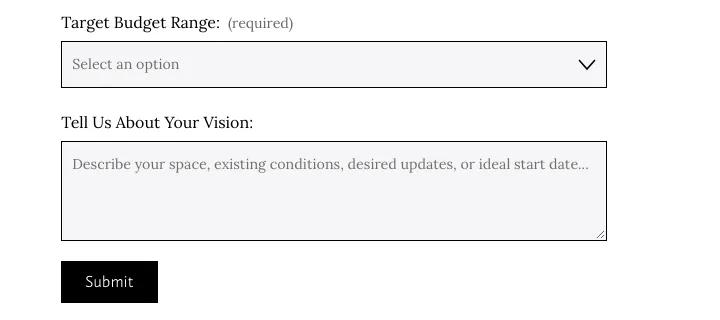
If you can't show yours, ask for theirs. The form on the Burke Black site asks for a target budget range, so the first conversation starts in the right place.
Small things that help
- Put the price near the proof. A review next to a number makes the number smaller.
- Say how people can pay, not just how much.
- Write it as a number. "Affordable" isn't a price.
- Put a date on it, and check it twice a year.
Wondering what websites themselves cost? I broke that down in what a small business website costs.
The Website Gap Checklist
Find out in five minutes why your website isn't bringing in customers, and know exactly what to fix first so more visitors call, book and buy.
Your checklist is downloading.
Didn't start? Download the PDF here.
Rather have it checked for you? Run the free website gap checker on your site.