

The big portals have every listing, and they'll always rank for "homes for sale". Competing with them on search is a losing plan. What they can't do is explain one part of town the way someone who works there can.
So build around that: Home, a page for sellers, a page for buyers or owners, neighborhood pages, sold or managed properties, and About.
Pick a side on the home page
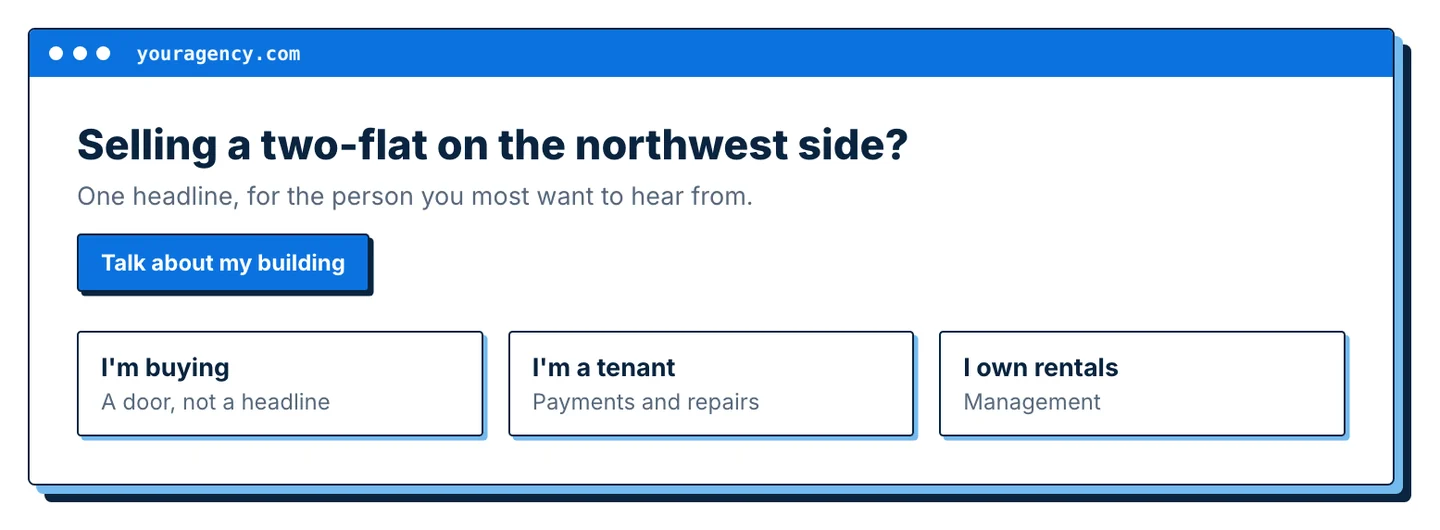
Sellers, buyers, landlords and tenants want completely different things. If your headline tries to greet all four, it greets nobody. Choose the one you most want, write the headline for them, and give the others a clear door right underneath. A property manager might lead with owners and give tenants a button for payments and repairs.
Neighborhood pages worth reading
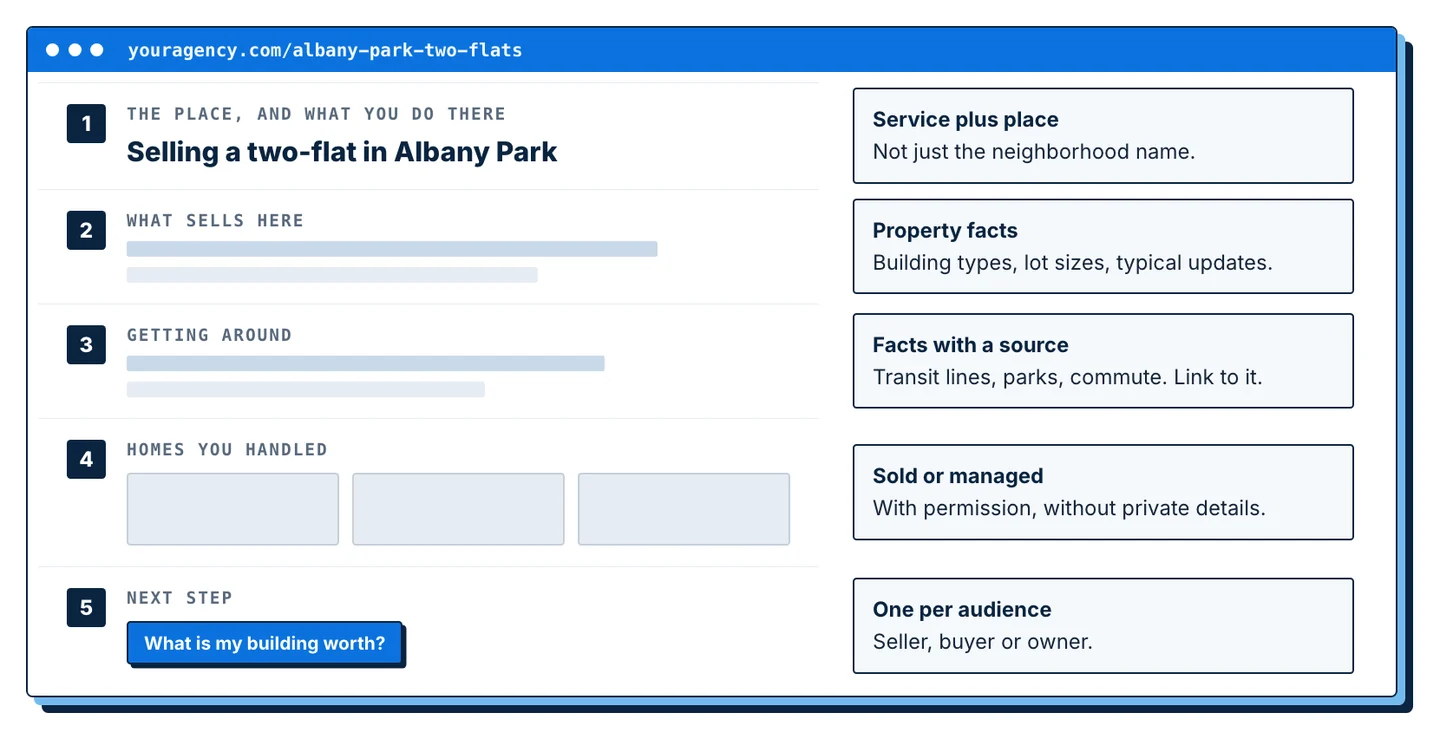
A page called "Albany Park" competes with everyone. A page called "Selling a two-flat in Albany Park" competes with almost nobody, and the person who finds it is your client. Put in what only someone local knows: which buildings have shared meters, what an updated kitchen actually changes, how long similar places took.
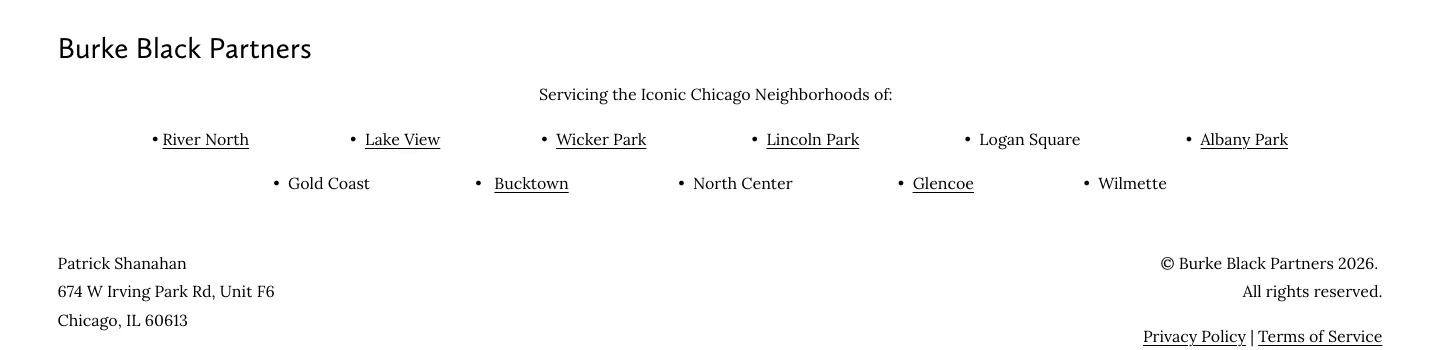
The remodeler Burke Black does a version of this. Each project names its neighborhood, and the footer links neighborhoods to the work done there.
Have the wording checked
Property advertising has its own rules, and they apply to websites. I don't advise on them. Before any page goes live, have your broker, or whoever handles compliance for you, read every description, headline and photo caption.
Proof without private details
Sold and managed pages work without addresses or prices if a client would rather not share them. "Three-bedroom condo, Lake View" with two good photos is enough to show the kind of work you do, if the client said yes. How to write a past-work page has the structure.
Ask for less, earlier
Nobody wants to fill in twelve fields to see one house. Give something small first, like a one-page guide to getting a place ready for photos. Ask for an email in exchange, and say what happens next. Then follow up like a person.
One page for the questions you answer weekly
How do you work? How long does it usually take? What do I need to have ready? Put your answers on the site, in plain words. Those same answers are what AI assistants look for. Here's how to write them.
The Website Gap Checklist
Find out in five minutes why your website isn't bringing in customers, and know exactly what to fix first so more visitors call, book and buy.
Your checklist is downloading.
Didn't start? Download the PDF here.
Rather have it checked for you? Run the free website gap checker on your site.