

Turning on online booking is easy. Any of a dozen tools will do it. What trips people up is that the tool asks questions you've never had to answer out loud, because you've been deciding them one phone call at a time.
Answer these first and the setup really does take an hour.
Write the table
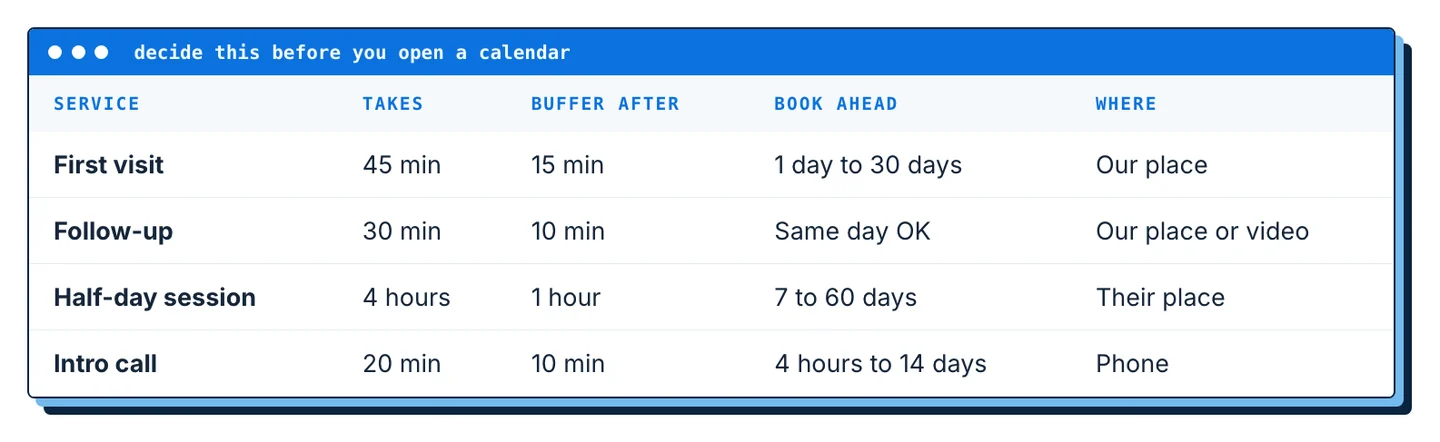
Be honest about time. If a 45-minute visit always runs an hour, it's an hour. And don't list everything you do. Start with the three that are the same every time, and keep the custom ones behind a short call.
Buffers are where your day lives
A buffer is the gap the customer doesn't see: cleaning the room, driving, writing notes, lunch. Leave it out and you'll be late by eleven. If you travel, either make the buffer longer or limit each day to one side of town.
How soon, how far
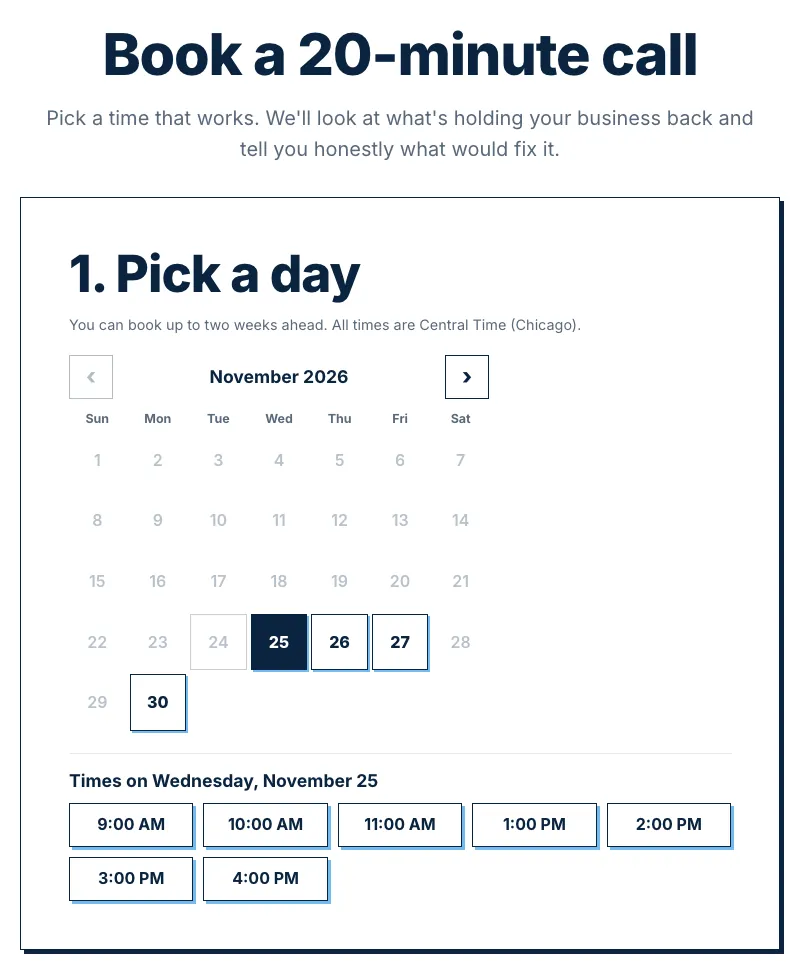
Two limits protect you. Minimum notice stops someone booking you for twenty minutes from now. Maximum range stops someone taking a Tuesday next spring that you haven't planned yet. My own calls open two weeks ahead.
Payment and cancellation terms
Booking tools can take payment or not, and can show your cancellation terms before someone confirms. What to charge, when, and what those terms should say are business and legal decisions, so I leave them to you and whoever advises you. From the website's side, two things matter: people should see the terms and any charge before the last step, and the account behind it should be yours. How to give a developer access to it is a separate post.
The reminder that prevents no-shows
Send one the day before and one a couple of hours before. Put the address, parking, what to bring and a link to reschedule in it. Making it easy to move an appointment is how you get a call instead of an empty hour.
Connect one calendar, and only one
Pick the calendar you really live in and connect it both ways, so a dentist appointment blocks a slot. If two people share bookings, give each of them their own. Double bookings nearly always come from a second calendar nobody connected.
Test it as a stranger
Book yourself from your phone. Read every email and text it sends. Reschedule it. Cancel it. Whatever annoyed you will annoy everyone.
Then put the button where people are already looking. "Book now" belongs on your home page, on each service, and on your Google Business Profile.